Apple's Assistive Access: The Hidden Feature for Turning an iPhone into a Kid's Dumb Phone
Apple's Assistive Access, designed for cognitive accessibility, can be repurposed to create a locked-down iPhone for kids, blocking browsers and limiting apps without third-party fees.
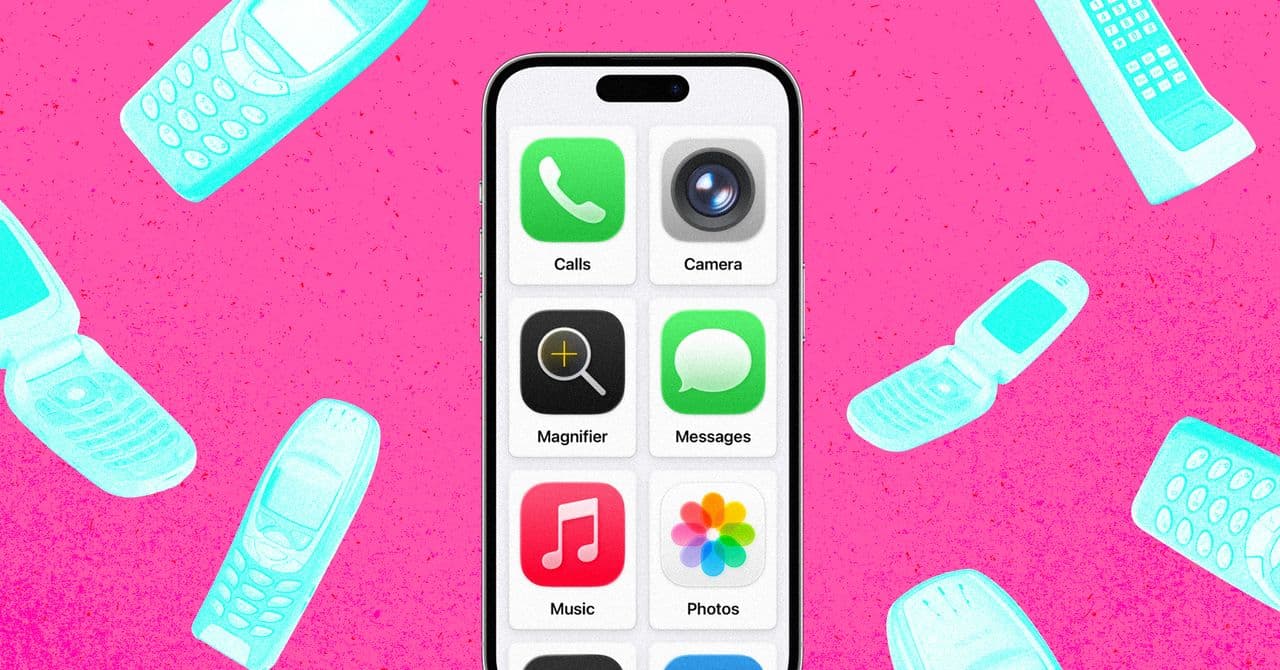
Apple's Assistive Access, introduced with iOS 17, is an accessibility feature originally aimed at users with cognitive disabilities. It provides a simplified interface with large, friendly tiles and heavily restricted navigation. A recent article highlights how this feature can be repurposed to create a 'dumb phone' for children, offering a more robust solution than standard Screen Time restrictions.
Why Assistive Access Beats Screen Time
Standard Screen Time on iOS has a glaring flaw: it cannot fully block Safari. Kids can bypass restrictions by opening links from messages. Assistive Access, however, completely prevents web browsing by design. When enabled, any URL in a message is treated as plain text, and only pre-approved apps are available. This eliminates the need for third-party paid apps that charge for removing features.
Setting Up a Kid-Proof iPhone
Configuration is straightforward: go to Settings > Accessibility > General > Assistive Access, then select a grid layout and choose allowed apps. The key is to omit Safari, Chrome, or any browser. You can also restrict contacts, disable the mute switch, and control notification behavior. A separate four-digit passcode locks the mode, and triple-clicking the side button exits it.
Practical Use Cases and Limitations
One parent configured an old iPhone 13 with only six apps: Calls, Messages, Maps, Camera (without selfies), Photos, and Music. This gives the child essential communication and navigation tools while blocking internet access and social media. However, Assistive Access has some quirks: it can be sluggish, voicemail is disabled, and the phone cannot be powered off without exiting the mode. There's also a reported bug where the Messages app can freeze when searching emojis, requiring a parent to exit and re-enter Assistive Access to fix it.
Apple's Silence and Future Updates
Apple has not marketed Assistive Access for this use case, and even store staff are not trained on it. Interestingly, the upcoming iOS 27 revamp of Screen Time will adopt similar capabilities, including the ability to block Safari for child profiles. This suggests Apple is aware of the demand but has been slow to officially support it.
Bottom Line
Assistive Access is a powerful, free tool for parents who want to repurpose an old iPhone into a safe, limited device for their kids. It's not perfect—performance and occasional bugs are trade-offs—but it's far more effective than Screen Time and cheaper than third-party alternatives. For engineers, it's a reminder that the most useful features are sometimes hidden in accessibility settings.
Source: WIRED
Discussion
0 Comments
Be the first to start the discussion.